
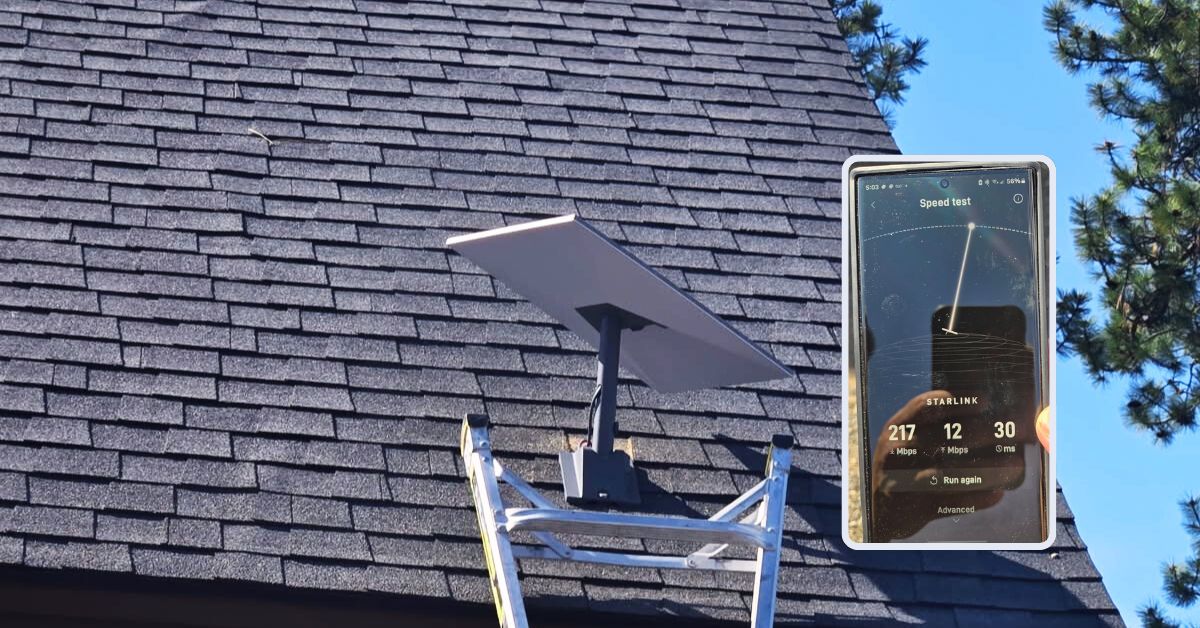
A homeowner in Kingman, AZ sent a service request for Starlink installation for his residential home property. It also includes three internal cable drops to ensure centralized, high-performance connectivity throughout the home.
For expert Starlink installation services, call 1-844-799-0258 or request a quote through our contact us Contact Us form.
Our Starlink SMEs conducted an initial offsite assessment to evaluate the installation point of the Starlink dish and the best possible cable routing path. Stated below the collected information to facilitate efficiently the service request.
🔹Location: Kingman, AZ
🔹Property Size: 2,700 sq. ft.
🔹Home Style: Cabin-style with shingle roofing
🔹Internet Use: Starlink as the primary internet connection
🔹Equipment: Starlink Standard Kit (Gen 3)
🔹Preferred Dish Location: Roof-mounted using pivot mount, terminated to the structured media center box
🔹Cable Drops Installation: Three total (1 at 50 ft, 2 at 30 ft each)
Following the offsite assessment, our team sent the detailed installation proposal for customer's approval. Once approved, we arranged the installation schedule with our Kingman, AZ Starlink installers.
Our Starlink installation team arrived on-site to perform the following scope of work:
🔹Mount the Starlink Standard Dish using pivot mount
🔹Route the cable cleanly to the structured media center box
🔹Install and terminate three internal network cable drops: (1 at 50 ft, 2 at 30 ft each)
🔹Use cable tester to verify connectivity on all runs
🔹Labeled both ends of each cable for easy identification
🔹Ensured all terminations were secure and professionally finished
🔹Activate & configure the Starlink Gen3 WiFi mesh router
🔹Guide the customer on how to use the Starlink App.
🔹Test and document the installations with photos.
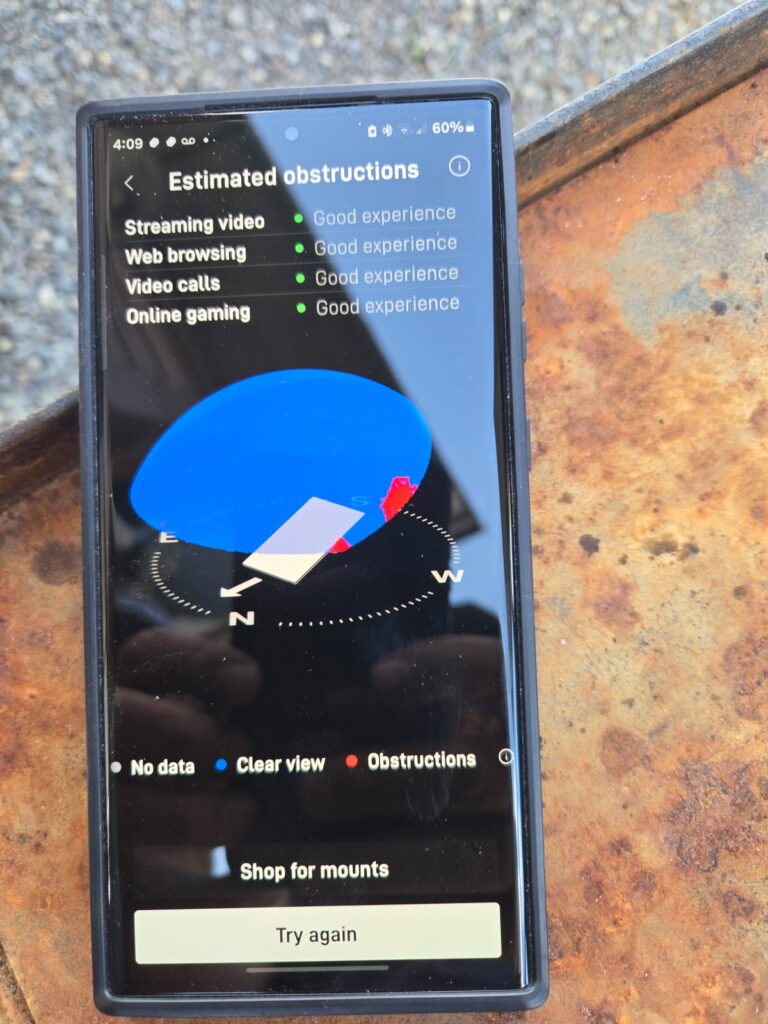
To start the Starlink installation in Kingman, AZ, our team conducted a Starlink obstructions test using the Starlink App. This step is to verify if the preferred installation point has a “Good Experience” rating.
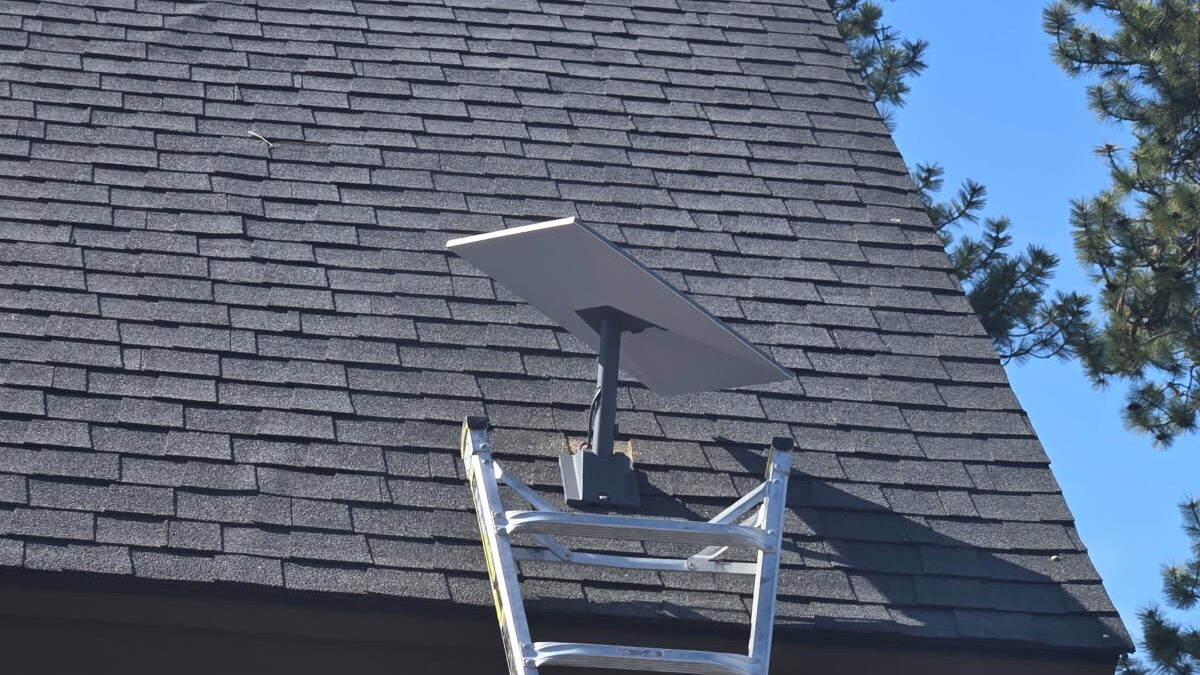
Our team securely mounted the Starlink Standard dish using a Standard pivot mount for maximum stability and signal reception.
To ensure a clean and weather-resistant setup, we utilized a cable routing kit that provided secure sealing and organized cable management. Our team carefully routed each of the three internal network cables, one at 50 feet and two at 30 feet. It is neatly executed from their respective drop points to the structured media center box. Each cable was properly terminated, tested for connectivity using a cable tester, and clearly labeled on both ends to support easy identification and future maintenance.
Using the Starlink App, we activated the Gen3 Wi-Fi Mesh Router by linking it to the newly installed Starlink dish and verifying satellite connectivity. Once the system was online, we proceeded to customize the router settings by configuring the customer’s preferred network name (SSID) and a secure password.
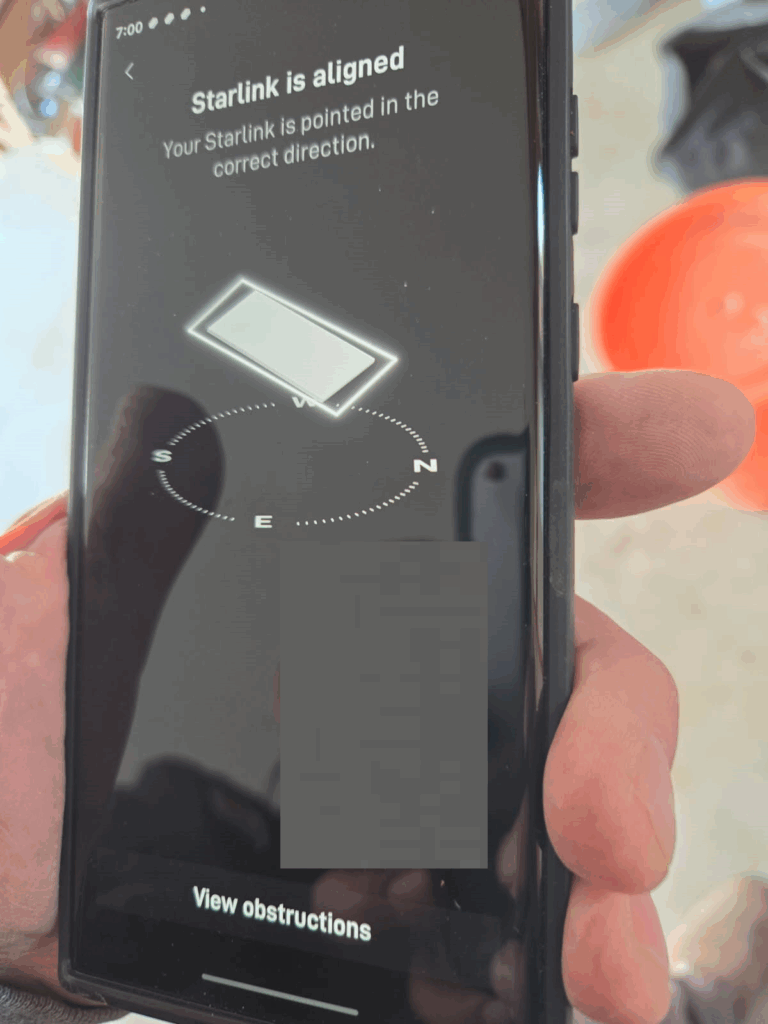
After installation, we conducted a full system check to ensure that Starlink system was functioning as expected. Verified Starlink dish alignment and signal strength using the Starlink App.
Then, the Starlink speed test was conducted to test the system’s internet performance. It’s important to note that Starlink can take up to 12 hours to synchronize with the satellite network fully.
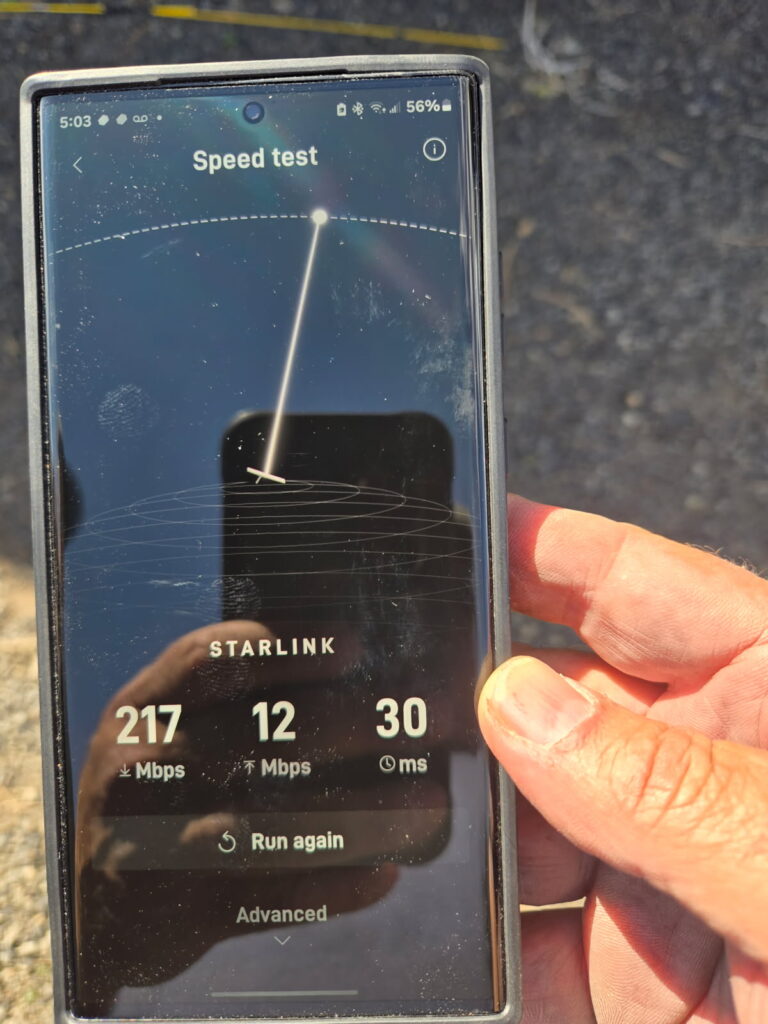
🔹Download Speed: 217 Mbps – Excellent for streaming 4K video, video conferencing, gaming, large file downloads and remote work on multiple devices.
🔹Upload Speed: 12 Mbps – Good for video calls, cloud backups, social media uploads, and general productivity tasks.
🔹Latency (Ping): 30 ms– Great for most real-time applications like video conferencing and online gaming.
Starlink may require up to 12 hours to optimize its connection. Brief dropouts and fluctuations may occur during this period.
This Starlink installation in Kingman, AZ has delivered strong Starlink connectivity. The speeds and latency are well within the optimal range for modern digital lifestyles, making it a solid primary internet solution for the residential home users. The installation project demonstrates our commitment to delivering high-quality, future-ready internet solutions. The combination of a professionally mounted Starlink dish and structured internal cabling ensures reliable connectivity throughout the home.
Call us today at 1-844-799-0258 for your free Starlink installation and IT Network Service’s needs! Or fill out our Contact Us form to request a quote.

In addition to Kingman,AZ we proudly offer Starlink installation and IT network services to nearby towns and cities including:
DID YOU KNOW?
Kingman, Arizona is a notable area for its role as the “Heart of Route 66,” featuring the longest remaining original stretch of the iconic highway. It’s known for its Route 66 nostalgia, historic district, museums, and proximity to the Grand Canyon and other attractions.
Thank you for reading our Starlink installation articles.