After confirming the installation location, the Starlink dish was securely installed on the roof using a Pivot Mount.

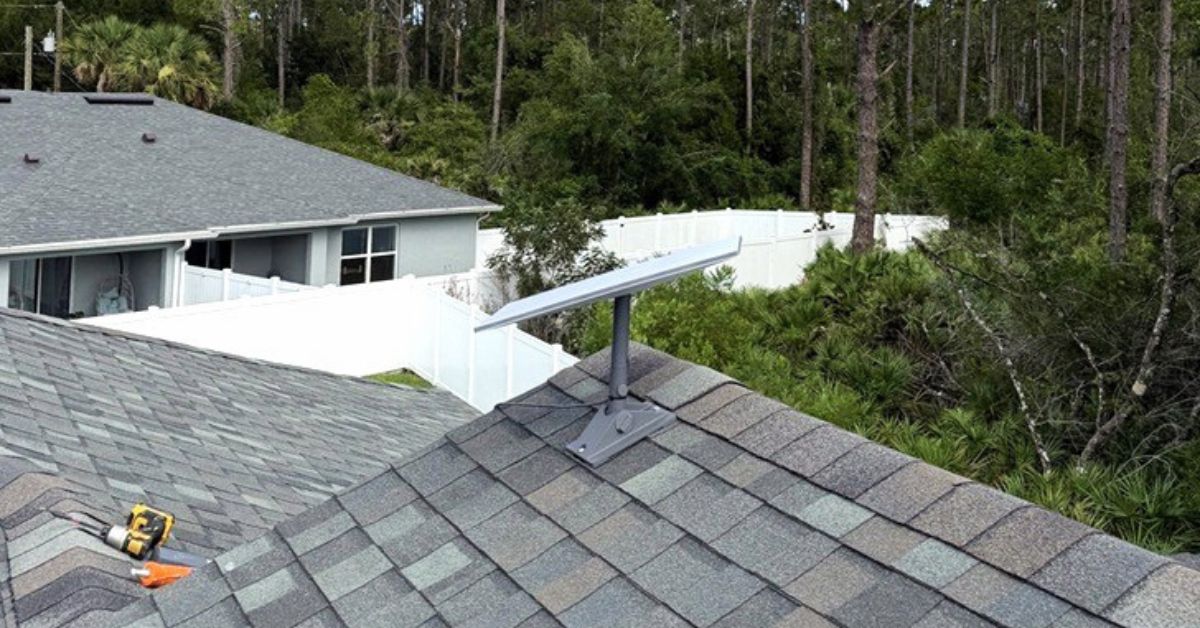
ProSat Networks 1-844-799-0258 has successfully completed a Starlink installation in Ocala, FL for residential property. We specialize in professional Starlink installation and IT network solutions for commercial businesses, residential homes, RV parks, campgrounds, construction sites, farm, airplane hangars and mining facilities across Florida.
👉 Call ProSat Networks at 1-844-799-0258 for schedule your Starlink installation or request a quote through our Contact Us form.

🔹Location: Ocala, FL
🔹Property Type: Residential home
🔹Property Size: Approximately 2,000 sq. ft. / one-story home for full home coverage of Starlink Wi-Fi
🔹Roof Type: Asphalt shingles
🔹Starlink Kit: Standard 4x Kit
🔹Recommended Mounting Solution: Pivot mount
Our Starlink installation SMEs received a service request for Starlink and WiFi installation in Ocala, FL. To process the request, the following process were executed:
An initial offsite assessment was carried out to analyze the property’s structural layout and environmental conditions using satellite imagery and submitted onsite photos. This step was necessary for determining the optimal mounting solution, cable routing path, required tools and materials, and manpower needed for the on-the-day installation.
Following the assessment, an installation plan was communicated to the customer for approval. Following project approval, we coordinated the procurement of all required materials and finalized the installation schedule with our certified Starlink installers in Ocala, FL.
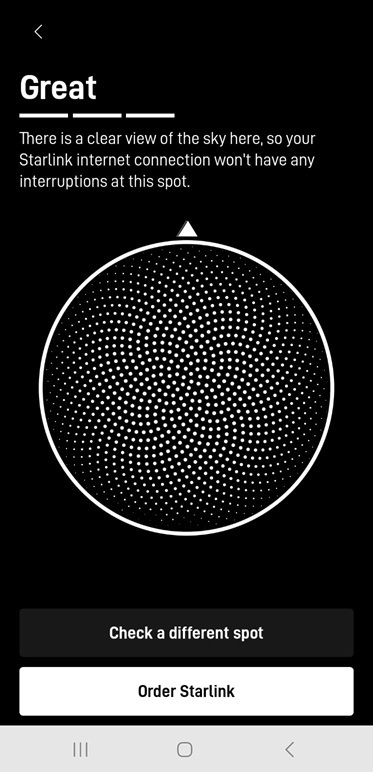
The Starlink dish installation began with Starlink obstructions test. The chosen installation location has has "Great" rating, means there is a clear view of the sky.
_-_Ocala,_FL.jpg)
Next, the Starlink cable was routed from the dish to the indoor location of the Router 3 through a created a wall entry point or penetration. The Starlink cable and power supply were connected to the Router 3. Powered on the router and activate the Starlink using Starlink App. Setup the router’s WiFi settings with the customer’s preferred SSID and password.
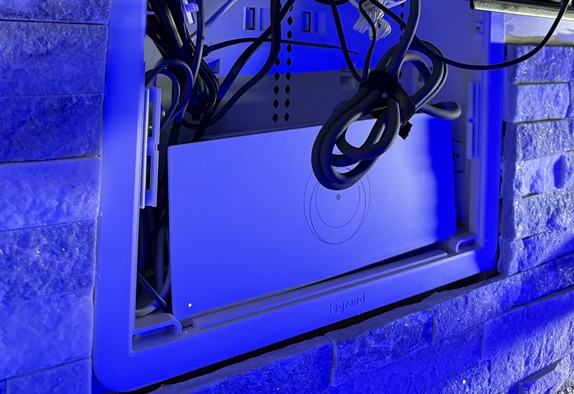
After completing the setup, the customer was given a walkthrough on how to use the Starlink app for monitoring network performance, checking connectivity status and managing device settings.
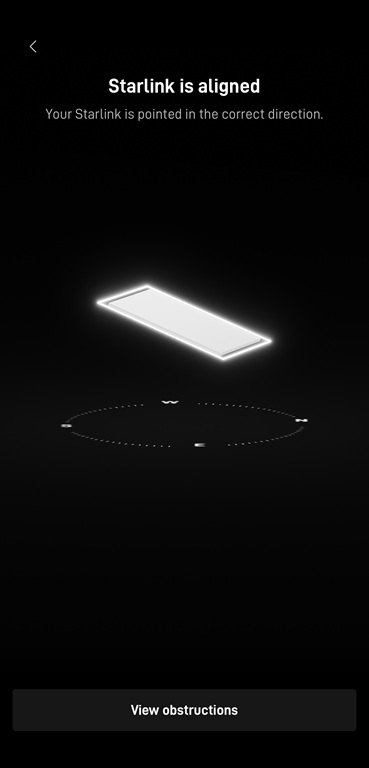
After completing the installation, a Star alignment test using the Starlink app to ensure the dish was properly oriented. As shown in the image, the system confirmed that the Starlink dish was precisely aligned and pointed in the correct direction. This step is essential to achieving a clear line of sight to the satellite network for consistent connectivity and maximum signal strength.
Followed by a Starlink speed test to verify the internet performance. The test includes thee key metrics such as download speed, upload speed and latency. This confirms that the connection was active and performing efficiently.
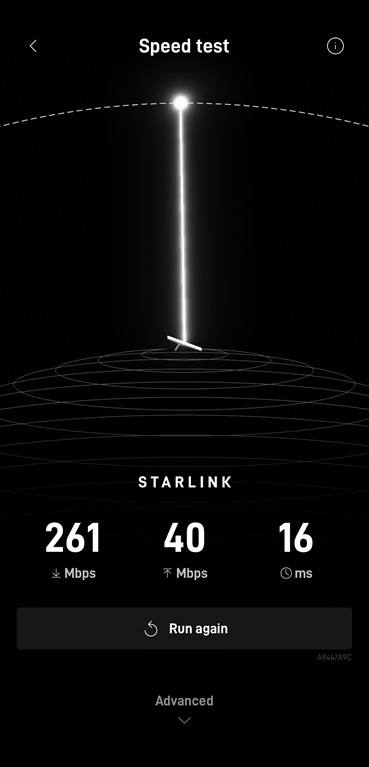
Note: Starlink may require up to 12 hours to fully optimize its connection. During this initial period, temporary speed fluctuations or brief dropouts may occur. However, once the system stabilizes, it delivers a reliable and high-speed internet connection.
👉 Call us at 1-844-799-0258 for your free consultation or fill out our Contact Us form.
DID YOU KNOW?
Ocala, Florida, is known as the "Horse Capital of the World®" because it is home to hundreds of horse farms and a thriving thoroughbred breeding industry. With a population of more than 70,000 and located in the heart of Marion County, Ocala offers a blend of equestrian heritage, natural springs, and a growing business community.
Thank you for reading our Starlink installation articles.