
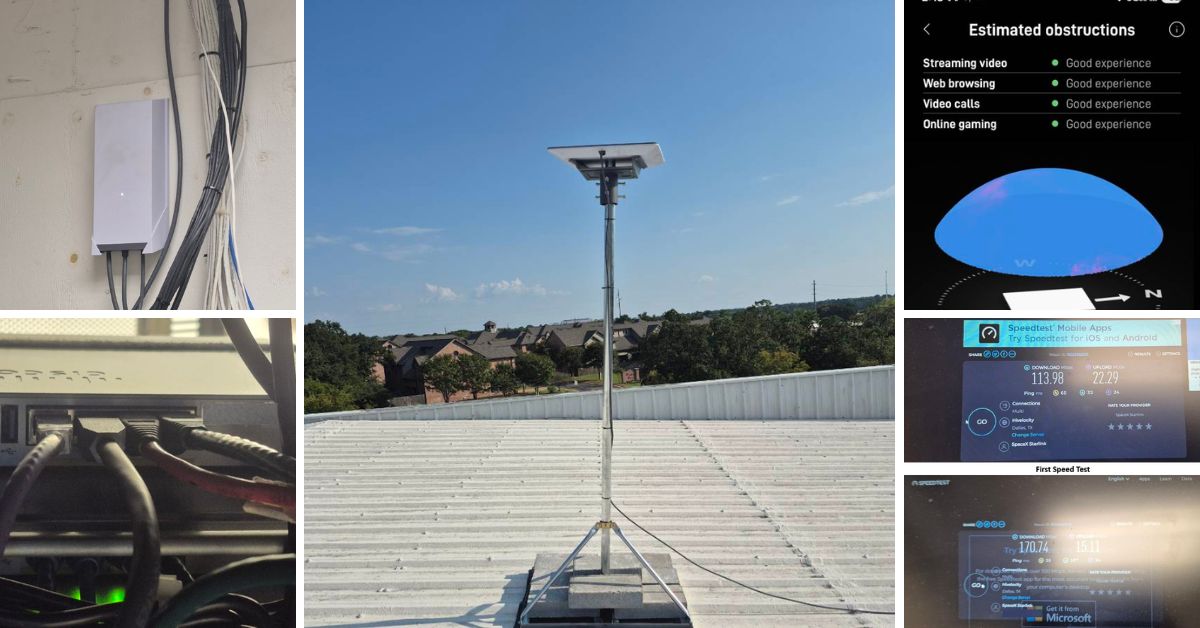
This article showcases a successfully completed Starlink installation in Bryan, TX, deployed at the warehouse property as a backup or failover internet connection. ProSat Networks offers professional Starlink installation and IT network solutions for commercial businesses, residential homes, RV parks, campgrounds, construction sites, farm, airplane hangars and mining facilities across Lousiana
📞 Call ProSat Networks at 1-844-799-0258 for free consults or fill-out our Contact us form.
.jpg)
🔹Location: Bryan, TX
🔹Property Type: Industrial warehouse
🔹Roof Type: Metal Roof
🔹Starlink Kit: Performance (Gen2)
🔹Mount Option: Non-penetrating roof mount with weighted blocks
🔹Starlink Use: Primary internet connection
Our Starlink installation SMEs received a service request for Starlink and wireless network installation in Bryan, TX and they provided professional service by conducting the following:
An initial offsite assessment was carried out to gather the customer’s requirements for the Starlink installation. Afterward, our team conducted an on-site survey to:
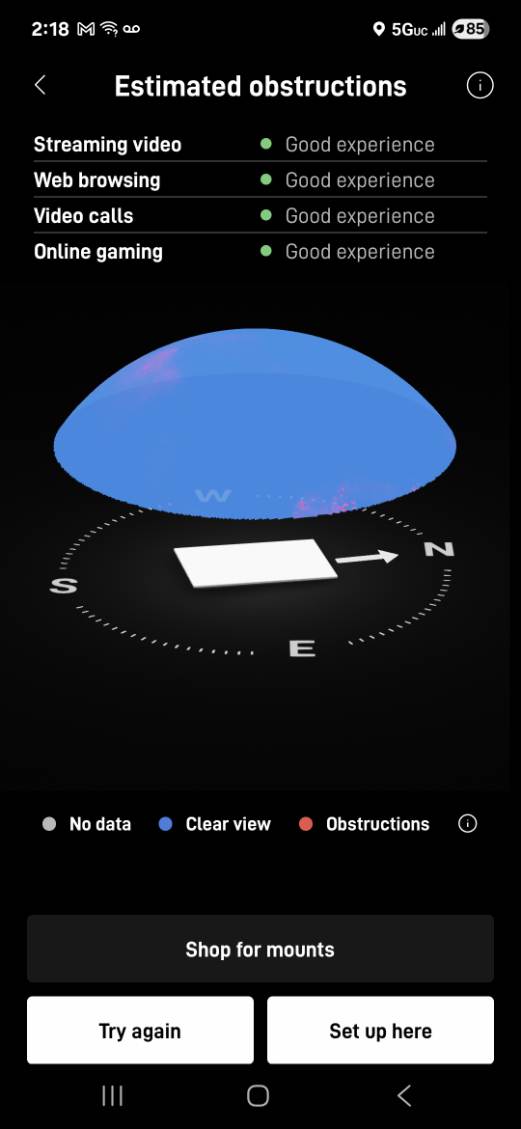
🔹Determine the best installation location for the Starlink dish using obstruction test results.
🔹Provide recommendations tailored to the site layout.
🔹Identify existing low-voltage cable pathways; if none were available, coordinate with the customer’s point of contact to establish the most suitable cable entry point and internal termination location.
🔹Assess the need for Ethernet cable extensions to connect to the Starlink network.
🔹Confirm any additional materials, parts, or tools required to complete the installation.
After the site survey, our professional Starlink installers and subject matter experts prepared and submitted a detailed installation proposal for customer review and approval. Once approved and the equipment was ready onsite, the installation schedule was then coordinated with our Starlink installers in Bryan, TX.
The Starlink installation in Bryan, TX have the following scope of work:
🔹Starlink Dish Installation – Mount the Starlink Performance Dish on the wall using non-penetrating roof mount
🔹Starlink Cable Run – Route the Starlink cable from the dish through a clean entry point by the office window, then run it through the hallway ceiling down to the MDF room.
🔹Advanced Power Supply – Install the Starlink Advanced Power Supply in the MDF/server room using the mounting kit to keep the setup neat and organized.
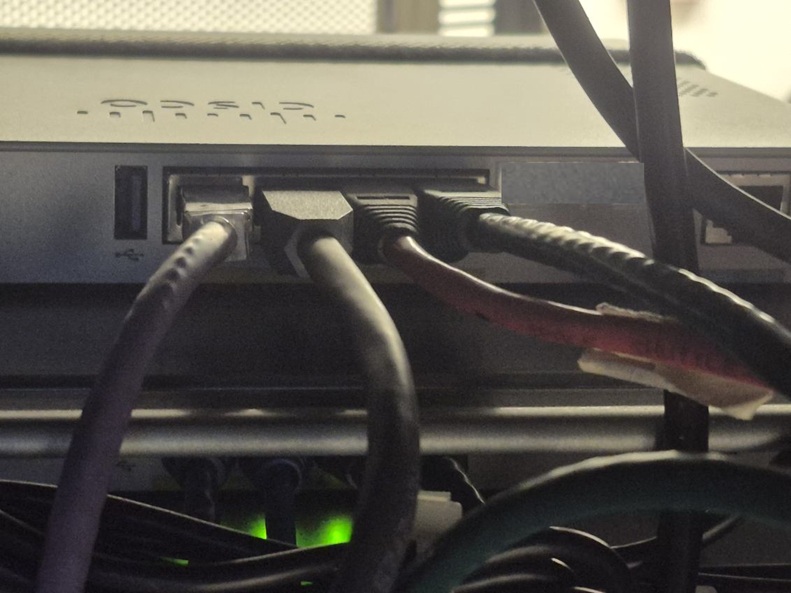
🔹Ethernet Cable – Terminate the Starlink Performance Ethernet cable and connect it directly to the client’s firewall to establish the internet connection.
The installation team kick-off the installation by mounting the Starlink dish using non-penetrating roof mount weighted with blocks.
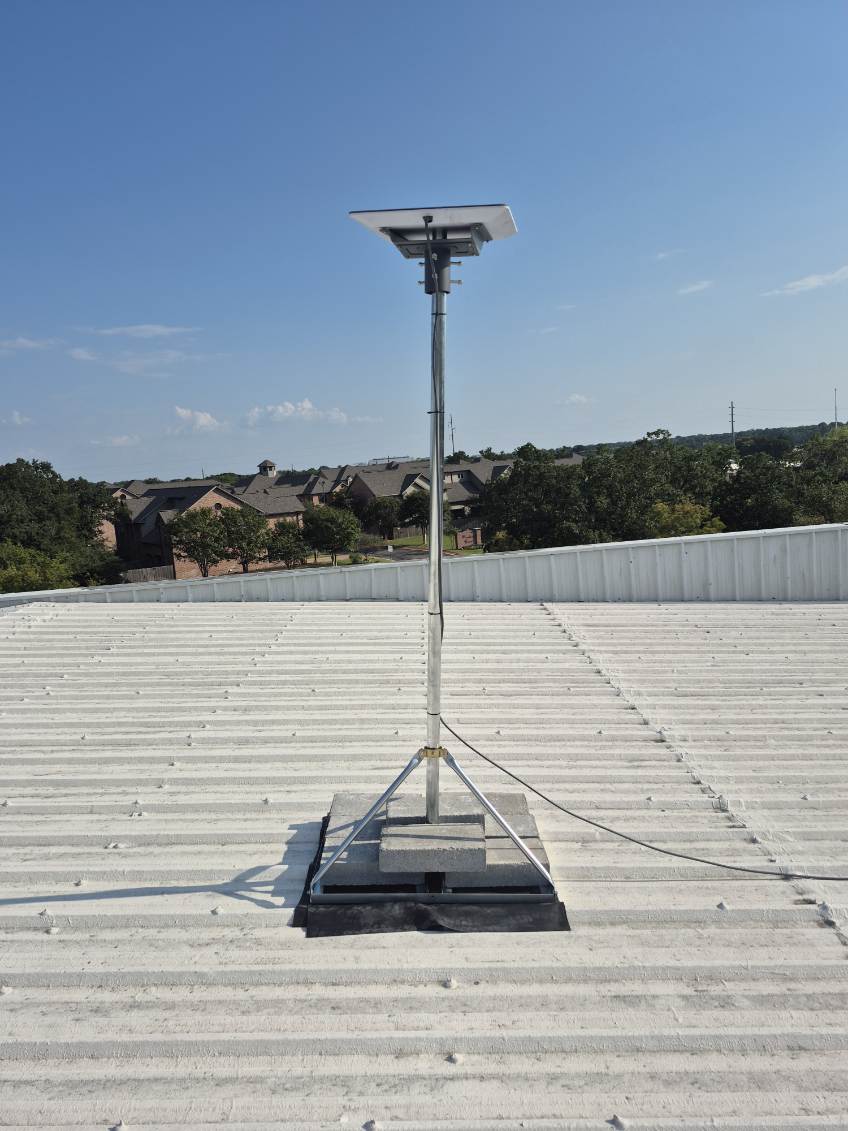
The dish was positioned in a location identified as having a “Good” rating during the Starlink obstruction test.
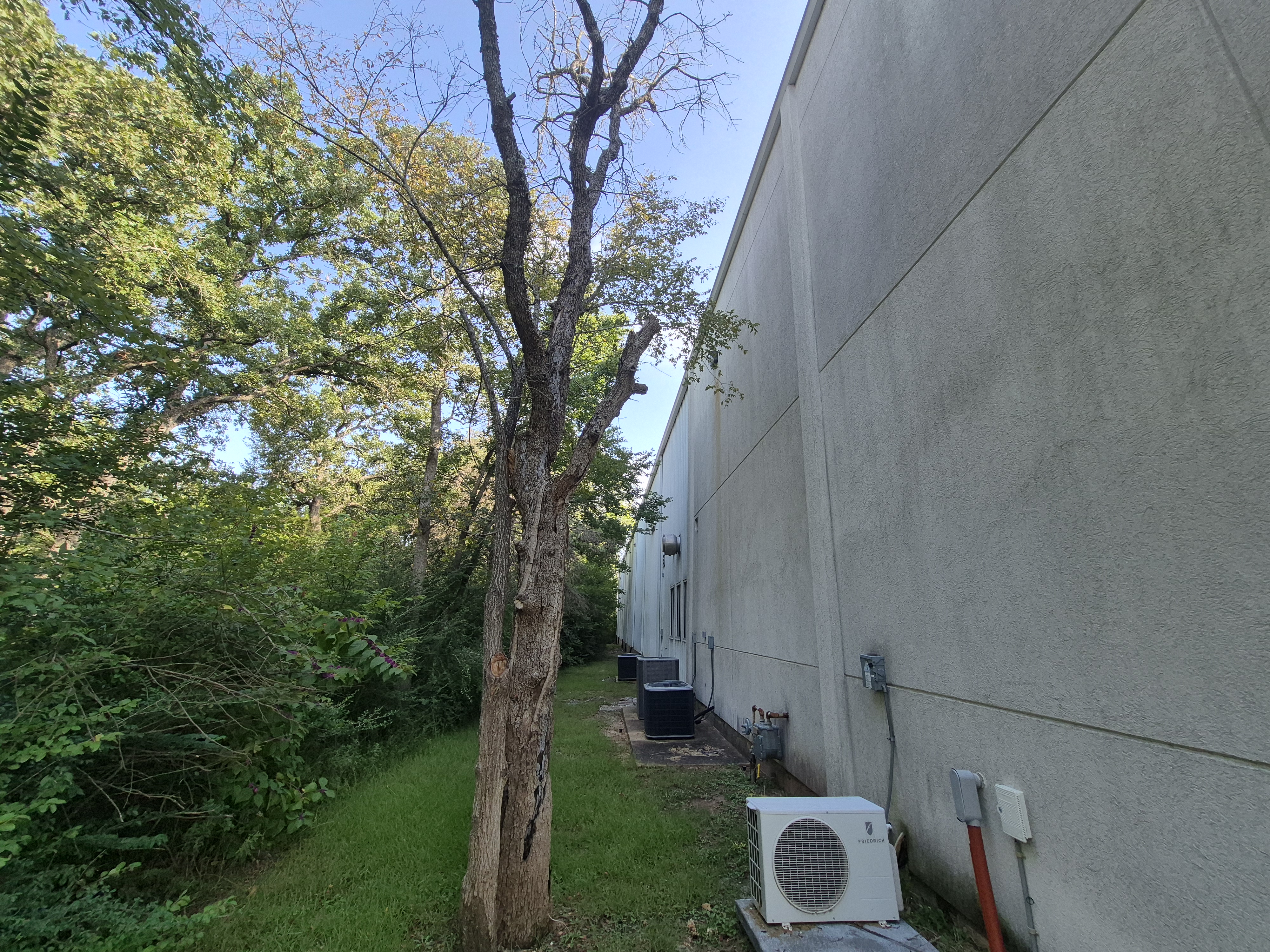
The installation team neatly routed the Starlink cable vertically along the building’s exterior wall, securing it to maintain a straight and stable run from the dish down to the designated cable entry point. At the point of penetration, the cable was sealed with weatherproofing material to prevent water ingress and protect the integrity of the building structure.
The cable was then run through the interior ceiling toward the Main Distribution Frame (MDF). At the MDF, the advanced power supply unit was mounted and plugged into the power source.
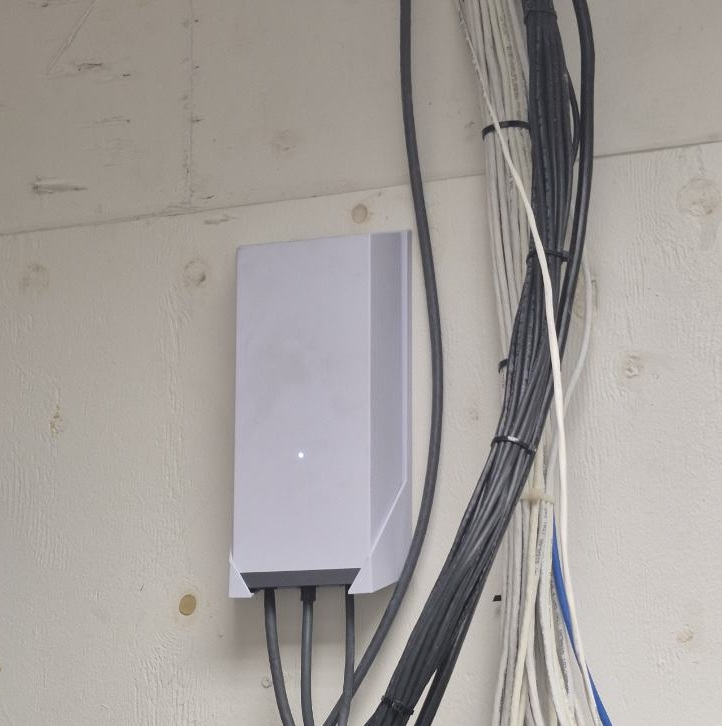
The installation team terminated the Starlink cable at the power supply. And utilized the Ethernet cable to connect the Starlink system with the client’s firewall/router.
After the equipment was installed, the team conducted a Starlink alignment test to precisely position the dish for an unobstructed line of sight to the satellite network. This critical step ensures optimal signal strength and reliable connectivity.
To check the connectivity and performance of the Starlink, a speed test was conducted. The key performance metrics was verified such as download speed, upload speed and latency.
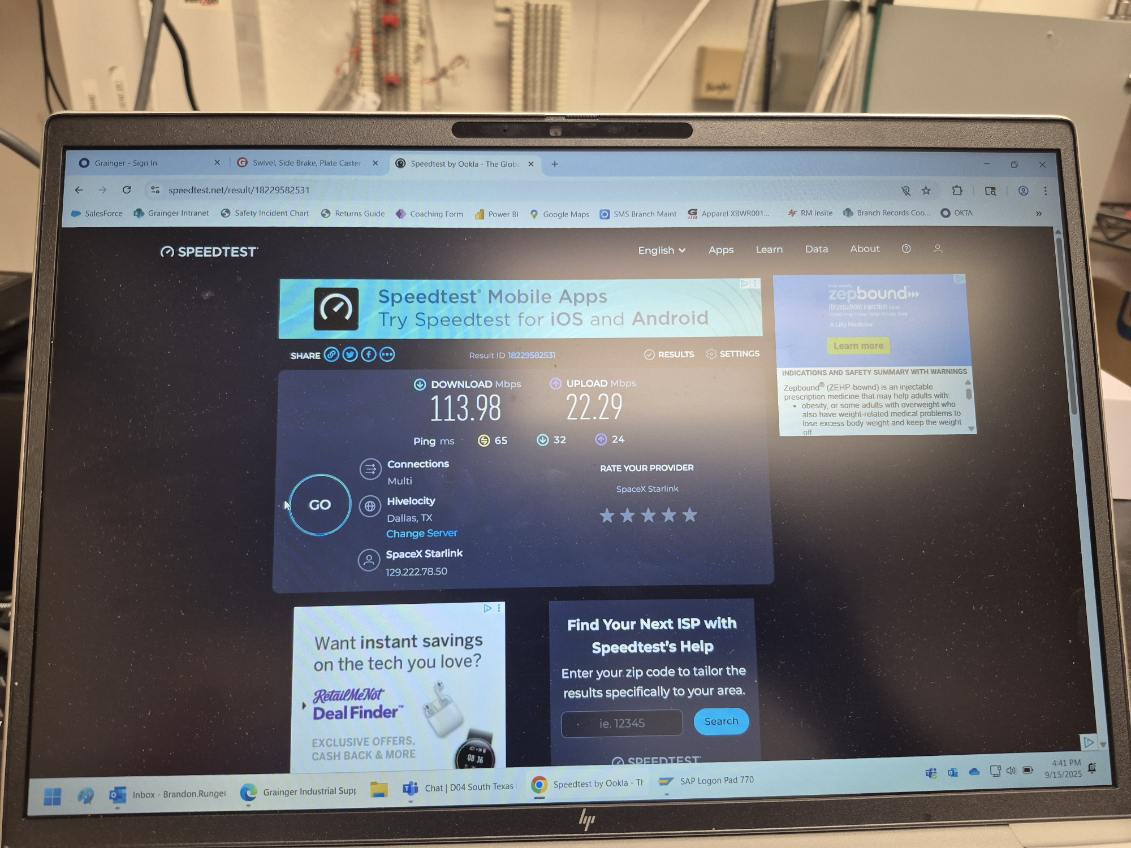
First Speed Test
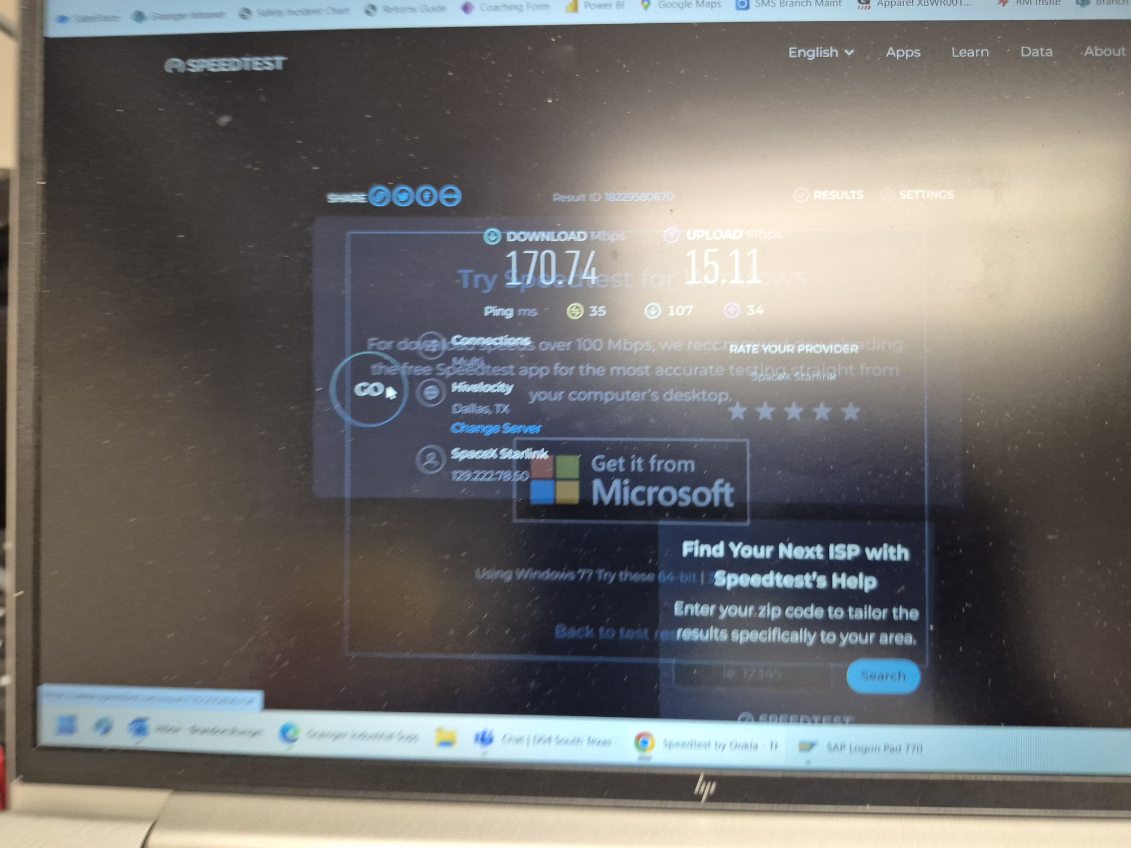
Second Speed Test
Starlink Performance Test Results
First Speed Test
🔹Download Speed: 113.98 Mbps
🔹Upload Speed: 22.29 Mbps
🔹Ping: 65 ms
Second Speed Test
🔹Download Speed: 170.74 Mbps
🔹Upload Speed: 15.11 Mbps
🔹Ping: 35 ms
It is important to note that Starlink may require up to 12 hours to fully optimize its connection. During this initial period, temporary speed fluctuations or brief dropouts may occur. However, once the system stabilizes, it delivers a reliable and high-speed internet connection.
The team successfully completed the Starlink installation at the warehouse property in Bryan, TX, equipping the site with reliable, high-speed satellite internet. They precisely aligned the dish for an unobstructed line of sight and neatly routed the exterior cabling, sealing it to protect against environmental exposure.
Speed tests confirmed strong performance, with download rates exceeding 170 Mbps, stable upload capacity, and low latency. This installation provides the warehouse with dependable connectivity to support daily operations, cloud-based systems, inventory management and communication needs, strengthening overall business efficiency.
👉 Call us at 1-844-799-0258 for your free consultation or request a quote

DID YOU KNOW?
Bryan, Texas, was established in 1866 as a railroad town along the Houston and Texas Central Railway, playing a key role in the region's early economic growth. Today, together with neighboring College Station and home to the historic downtown Bryan district, it forms part of the vibrant Brazos Valley, known for its thriving business community, rich culture, and proximity to Texas A&M University.
Thank you for reading our installation articles.